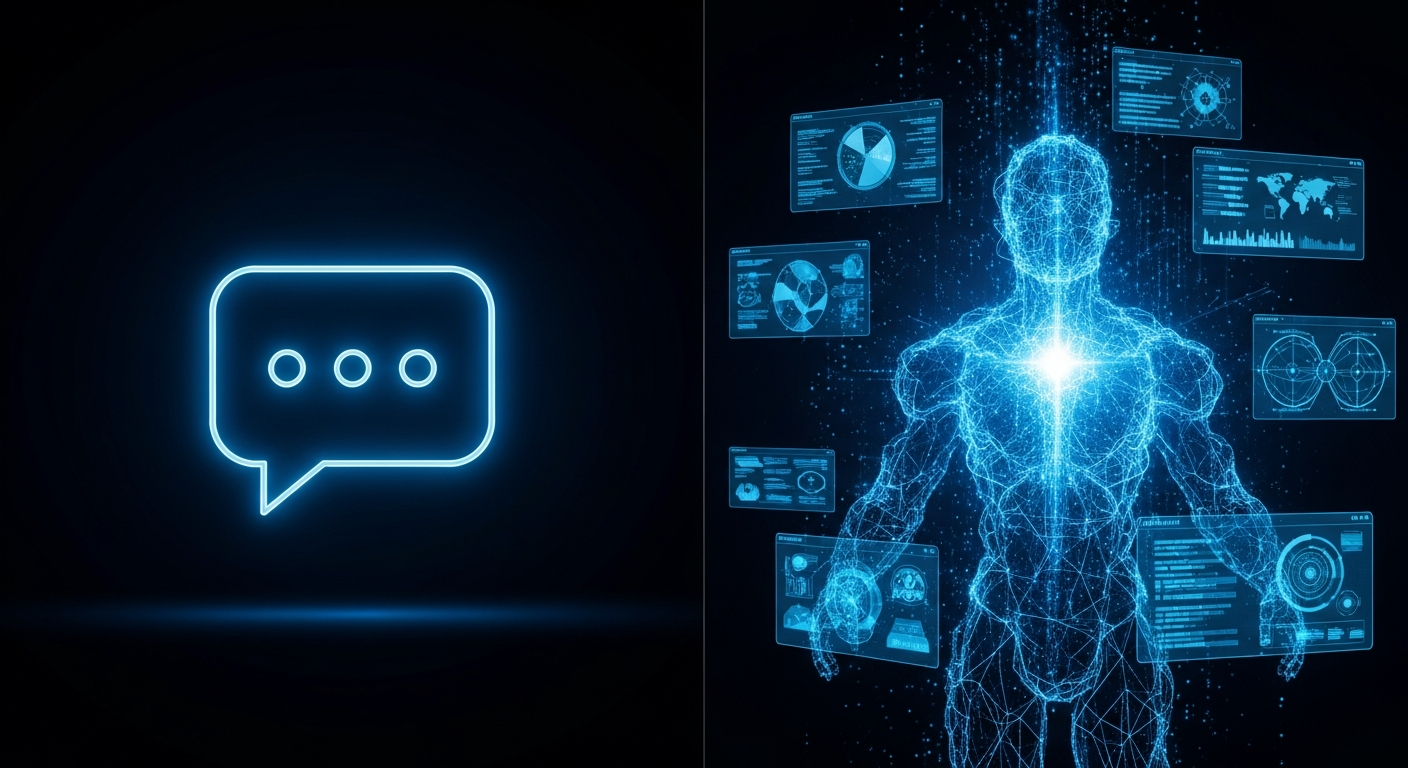
The Terminology Problem Is Costing Enterprises Real Money
Walk into any enterprise IT budget meeting in 2025 and you will hear three terms used almost interchangeably: chatbot, automation tool, and AI employee. Vendors blur these distinctions deliberately — each category has different economics and different buyers, and if you do not know which one you are actually buying, you will get the wrong solution.
This matters because the failure rate for enterprise AI implementations remains stubbornly high. Most of that failure is not technical. It is category mismatch. An enterprise that needs autonomous back office processing buys a chatbot. An enterprise that needs intelligent triage buys an RPA tool. The result in both cases is a well-funded disappointment.
This guide draws clear lines between the three categories and tells you which one your enterprise actually needs.
Category 1: The Chatbot
Chatbots are the oldest and most misunderstood of the three. At their core, they are conversational interfaces that respond to user inputs with pre-scripted or templated answers. Early chatbots used decision trees. Modern ones use large language models.
The fundamental architecture of a chatbot is reactive. A user sends a message. The chatbot responds. The conversation ends or continues based on user input. The chatbot does not initiate, does not monitor, does not act on systems independently.
What Chatbots Do Well
Chatbots genuinely excel in high-volume, low-complexity information retrieval. An HR chatbot that answers "how many leave days do I have left?" without routing to a human agent saves meaningful time. A customer-facing chatbot that handles product FAQs at midnight when no agents are available adds real value.
Chatbots are also relatively cheap to deploy and easy to understand. The interaction model is familiar. Users know what a chatbot is and how to use it.
Where Chatbots Break Down in Enterprise
The enterprise use cases that actually consume IT and operations bandwidth are not information retrieval questions. They are multi-step processes. A new employee onboarding involves collecting documents, provisioning access to seven systems, scheduling inductions, and flagging compliance checkboxes. An IT ticket involves triage, diagnosis, attempted resolution, escalation if needed, documentation, and closure.
A chatbot cannot do any of this autonomously. It can guide a user through a form. It cannot act on the information in that form across multiple backend systems without human intervention at every step.
Enterprise chatbots also suffer a well-documented fate: initial enthusiasm, moderate usage in month one, declining usage by month three, abandonment by month six. The technology disappoints because the expectation was built on a chatbot demo but the actual need was process automation.
Category 2: The Automation Tool (RPA)
Robotic Process Automation tools like UiPath, Automation Anywhere, and Blue Prism represent the next evolution. Rather than conversational interfaces, RPA creates software robots that mimic human interactions with computer systems — clicking buttons, reading screens, entering data.
RPA was a genuine breakthrough for a specific problem: automating repetitive, rule-based processes on legacy systems that had no APIs. Finance teams doing manual data entry between an ERP and a spreadsheet. HR teams copy-pasting data between an HRMS and a payroll system.
What RPA Tools Do Well
RPA excels at high-volume, deterministic tasks where the inputs and expected outputs are well-defined and the systems being automated do not change frequently. Finance reconciliation, payroll processing, and report generation are classic RPA wins.
- Handles legacy system automation without API access
- Deterministic — does exactly what it is programmed to do
- Proven at scale in large enterprises
- Good audit trail for compliance purposes
Where RPA Falls Short
RPA bots are brittle. They break every time the UI of a target system changes — a button moves, a field is renamed, a workflow step is added. Maintenance overhead for a mature RPA estate is substantial.
More critically, RPA has no intelligence. It cannot make judgement calls. It cannot handle exceptions without a human in the loop. When an invoice comes in with an unexpected format, the RPA bot stops and waits. When a support ticket is ambiguous, it cannot triage. The "if/then" rules that govern RPA bots become impossibly complex for knowledge-work processes.
RPA also requires dedicated technical staff to build, maintain, and monitor the bot estate. For mid-market enterprises without large automation engineering teams, RPA creates as many problems as it solves.
Category 3: The AI Employee
An AI employee is a purpose-built agentic AI model that holds a defined role inside an enterprise operation. Unlike a chatbot, it is not waiting to be asked questions. Unlike an RPA bot, it is not following a fixed script.
An AI employee monitors queues, makes decisions, takes actions across systems, escalates to humans when needed, and documents everything it does. It combines the conversational intelligence of modern language models with the system-integration capability of automation tools, wrapped in a defined operating role with governance rules.
What an AI Employee Does That Neither Chatbots Nor RPA Can
Consider an IT helpdesk AI employee. It monitors the incoming ticket queue continuously. When a ticket arrives, it reads the description, cross-references the user's system access profile, looks up similar resolved tickets in the knowledge base, attempts an automated resolution (password reset, software provision, access grant), and either resolves the ticket with a notification to the user or escalates to a human agent with a pre-written context summary.
No chatbot can do this — chatbots are passive and reactive. No RPA bot can do this — it requires judgment, not just rule-following. An AI employee combines both capabilities with the operational autonomy of a human employee, operating within a defined scope.
The Governance Layer That Makes AI Employees Enterprise-Ready
The critical difference between a consumer AI tool and an enterprise AI employee is governance. An AI employee operates with defined permissions: what it can read, what it can write, what it can execute, what it must escalate. Every action is logged. Every decision can be audited.
This governance layer is not optional in enterprise environments. It is what makes deployment safe in regulated industries and what gives CIOs the confidence to move from pilot to production.
Side-by-Side: The Three Categories
Initiation
Chatbots are reactive — they wait for a user message. RPA bots run on schedule or trigger. AI employees monitor continuously and act when conditions are met.
Intelligence
Chatbots handle information retrieval well. RPA handles deterministic tasks. AI employees handle judgment-required processes with ambiguous inputs and variable outputs.
System Integration
Chatbots connect to one or two systems. RPA connects to legacy systems via UI automation. AI employees integrate with multiple enterprise systems via APIs, with full read-write access within defined permissions.
Maintenance
Chatbot content needs regular updating. RPA bots break on UI changes. AI employees learn from operational feedback and improve over time.
Escalation
Chatbots hand off to humans when they hit a dead end. RPA bots stop and flag exceptions. AI employees escalate with full context, then resume after human intervention.
What Enterprises Actually Need (And Why Most Are Buying the Wrong Thing)
Most enterprise AI investments in 2024 and 2025 have been in chatbots. This is largely a product of vendor marketing and executive enthusiasm for visible AI interfaces. The chatbot is demonstrable in a meeting. It looks impressive in a CEO presentation.
But the work that consumes enterprise operations bandwidth is not question-answering. It is process execution. IT tickets. Finance reconciliation. HR onboarding. Procurement routing. These are agentic tasks that require monitoring, decision-making, system access, and escalation handling.
For this work, enterprises need AI employees — not chatbots, not RPA bots.
7 Common Mistakes Enterprises Make When Deploying AI Agents covers the most expensive category mismatches in detail, including what happens when enterprises buy chatbots expecting agentic behaviour.
The Indian Enterprise Context
Indian mid-market enterprises face a specific challenge: the mix of legacy and modern systems is highly variable. An IT department might run ServiceNow for ITSM, a home-grown leave management system for HR, and Tally for finance. No off-the-shelf chatbot or RPA solution handles this stack well.
AI employees, by contrast, are deployed with custom integrations built for the actual system landscape. This is why managed deployment partners like Agentex exist — the integration work is not trivial, and it is not something an enterprise IT team should be expected to do themselves alongside their existing responsibilities.
How to Know Which Category You Actually Need
Ask this question: does the task require a human to make a decision, access multiple systems, or handle exceptions? If yes, you need an AI employee. If the task is primarily answering questions, a chatbot may suffice. If the task is high-volume and perfectly rule-bound across legacy systems, RPA may be the right tool.
Most enterprise back office processes fail the chatbot and RPA tests. They involve judgment, multiple systems, and exceptions. AI employees are the only category designed for this reality.
For a full view of the best vendors in this space, read Best Companies for AI Automation in Enterprise Back Office Operations.
Start With the Right Category
Before committing budget to any AI tool, get a clear-eyed assessment of what your operation actually needs. Category mismatch is the number one reason enterprise AI projects fail.
Book a Free AI Audit with the Agentex team. In 45 minutes, you will understand exactly which category of AI tool your highest-priority workflows need — and what a successful deployment looks like.
Topics
Ready to deploy?
Book an AI Deployment Sprint — one workflow, live in 2 weeks.
Book AI Deployment Sprint →